Tailwind CSS IntelliSense
Installation
In order for the extension to activate you must have tailwindcss installed and a Tailwind config file named tailwind.config.js or tailwind.js in your workspace.
Features
-
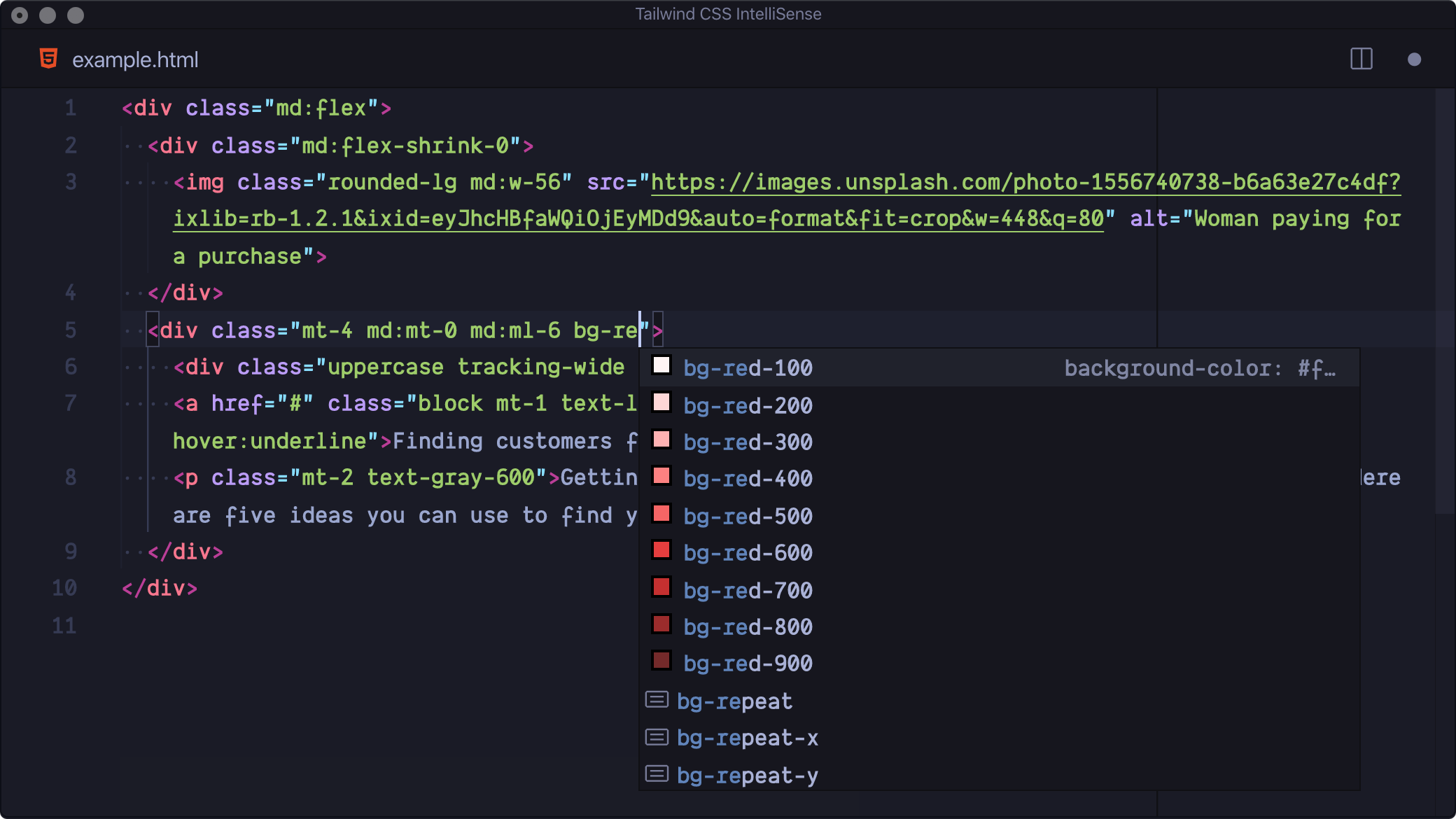
Autocomplete
Intelligent suggestions for class names, CSS directives, and thethemehelper -
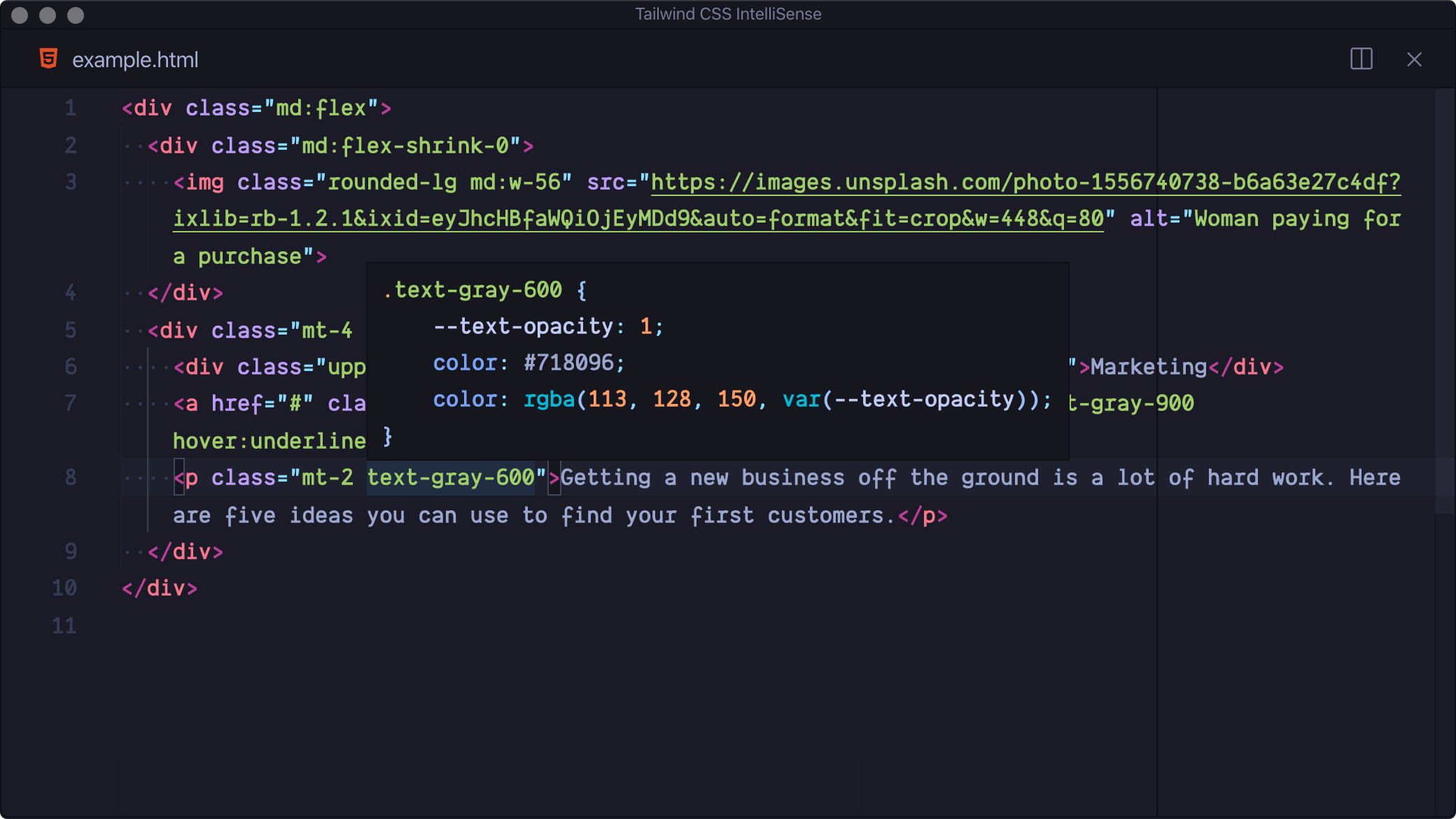
Hover Preview
See the complete CSS for a Tailwind class name by hovering over it -
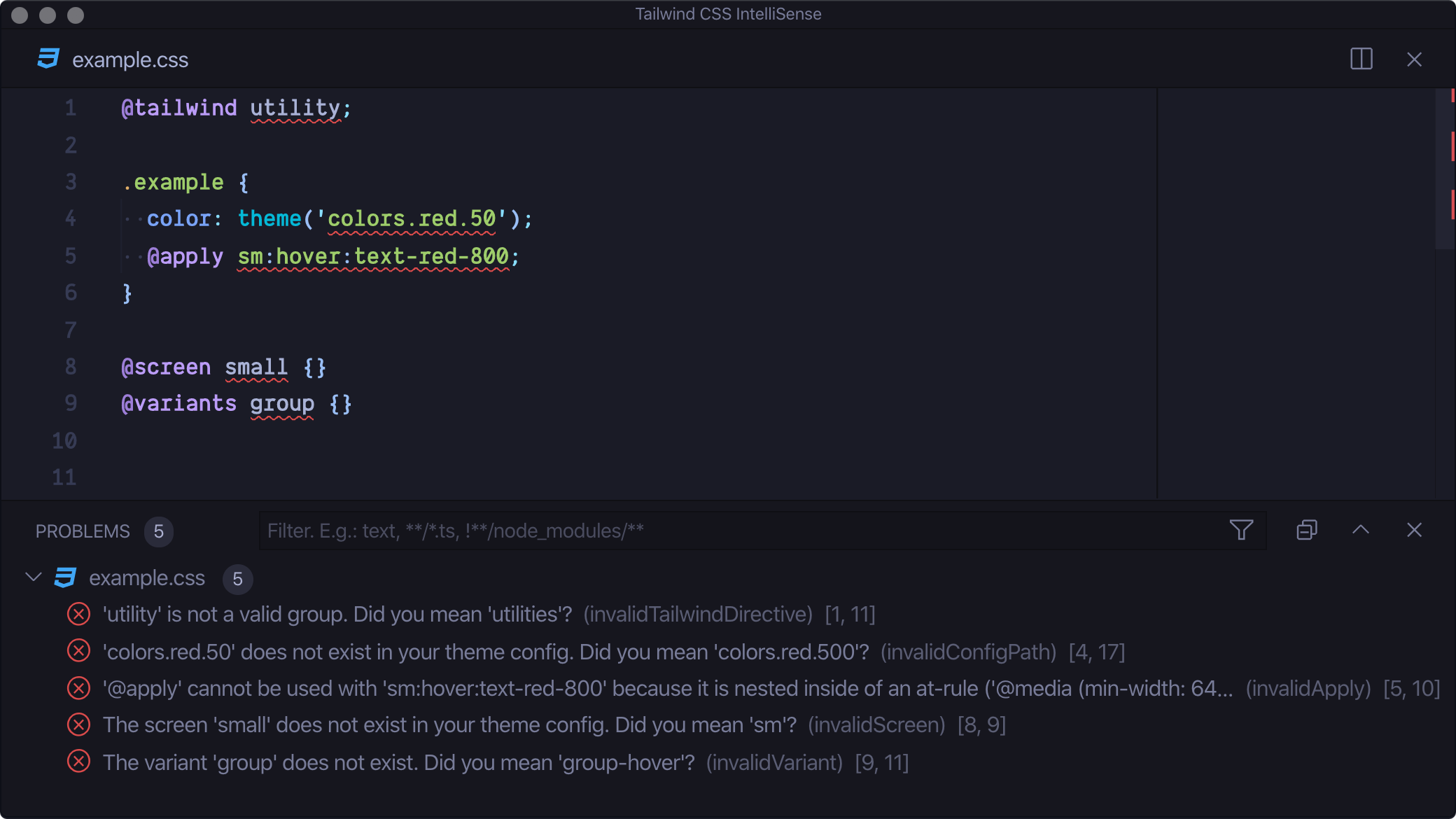
Linting
Highlights errors and potential bugs in your HTML and CSS files -
CSS Syntax Highlighting
Provides syntax definitions so that use of Tailwind features doesn’t mess up your syntax highlighting
Screenshots/Examples?
Troubleshooting
Settings
tailwindCSS.includeLanguages
This setting allows you to add additional language support. The key of each entry is the new language ID and the value is any one of the extensions built-in languages, depending on how you want the new language to be treated (e.g. html, css, or javascript):
{
  "tailwindCSS.includeLanguages": {
    "plaintext": "html"
  }
}
tailwindCSS.emmetCompletions
Enable completions when using Emmet-style syntax, for example div.bg-red-500.uppercase. Default: false
{
  "tailwindCSS.emmetCompletions": true
}
tailwindCSS.validate
Enable linting. Rules can be configured individually using the tailwindcss.lint settings:
ignore: disable lint rule entirelywarning: rule violations will be considered "warnings," typically represented by a yellow underlineerror: rule violations will be considered "errors," typically represented by a red underline